Instructions for submitting absence or no absence reports for C-basis (faculty and nine-month) employees.
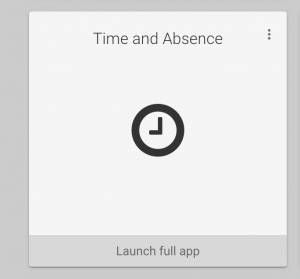
Click on Time and Absence in the MyUW dashboard:
For 9-month Academic Year
If no leave was taken, click on No Leave Taken Reporting.
If leave was taken, select “Request Absence” and enter the dates. Do not report furlough time using this Request Absence form. There is a COVID Furlough option in the drop-down menu on this form, but you should not use it. Instead, see How to Report Furlough Time. If you have furlough time to report, you still need to also use this form to report other absences or lack thereof.
For Summer Pay Periods
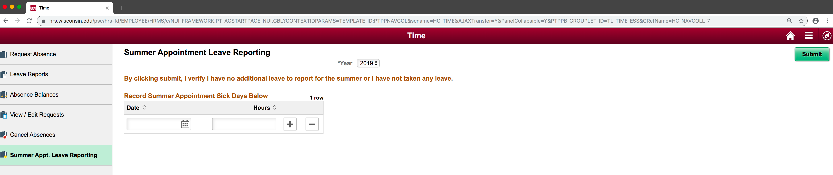
For the summer, click on “Summer Appt. Leave Reporting” in the panel on the left. If no sick leave was taken, leave the date and hours boxes blank, but still hit submit. Use the Year drop down if you need to go back in time. It will default to the current year.
If you did use sick leave during the summer, please fill in the date and # of hours box, add rows as needed, then hit submit.